
Download ShadPs4Plus – PS4 emulator, PC gaming, homebrew, PKG files, Windows, Linux, game compatibility, emulator, PS4 games
Overview
ShadPs4Plus is a feature-rich fork of the popular ShadPS4 PlayStation 4 emulator, designed to bring PS4 gaming and homebrew software to desktop users on Windows and Linux platforms. The app serves as a powerful tool for enthusiasts seeking to run PS4 titles on personal computers, offering a bridge between console gaming and PC-based emulation. Its primary purpose is to simplify access to a growing library of PS4 games, enabling users to experience titles like Bloodborne and 13 Sentinels without requiring original hardware.
Target users include retro gaming fans, tech-savvy developers, and hobbyists interested in exploring homebrew applications. The emulator addresses the challenge of limited access to PS4 hardware by providing a software-based alternative that runs on standard PCs. This makes it especially valuable for those looking to preserve or revisit PS4-era games, particularly in regions where console availability is restricted.
Developed by the ShadPS4 Team, the app builds on the foundation of the original ShadPS4 project, enhancing functionality through updated features and improved compatibility. The developer did not provide additional technical details about the team’s background. Real-world use cases include playing PS4 games on older hardware, testing homebrew software, and exploring emulation as a form of digital preservation.
Within the broader app ecosystem, ShadPs4Plus fills a niche for cross-platform emulation tools, supporting both Windows and Linux environments. Its focus on usability and compatibility positions it as a notable player in the evolving landscape of PC-based console emulation.
Key Features & Functionality
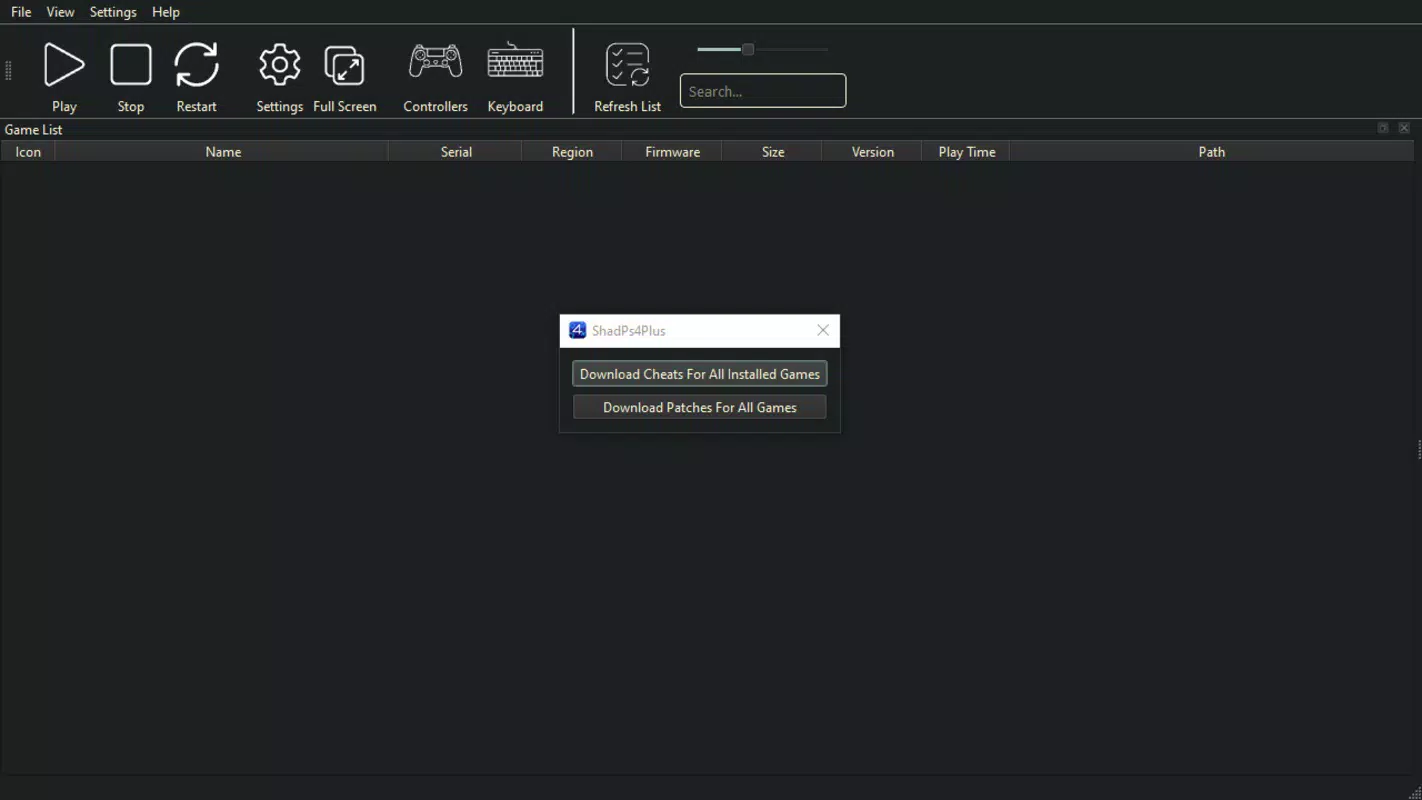
- Easy Configuration: ShadPs4Plus streamlines setup by allowing users to unzip the new executable into an existing ShadPS4 folder and launch the emulator with a double-click. This minimal setup process reduces technical barriers for new users.
- Support for PKG Files: A major enhancement over earlier versions, this feature enables direct installation of PS4 games and homebrew apps using PKG files, restoring a key functionality previously removed from the original ShadPS4.
- Extensive Compatibility List: The emulator supports over twenty PS4 titles, including graphically demanding games such as Bloodborne and 13 Sentinels, with many playable from start to finish.
- User-Friendly Experience: Designed with accessibility in mind, the interface maintains familiar navigation patterns from the original ShadPS4, ensuring a smooth onboarding process for both beginners and experienced users.
- Windows and Linux Compatibility: ShadPs4Plus is available on both Windows and Linux, broadening its reach and allowing users to choose their preferred operating system without sacrificing functionality.
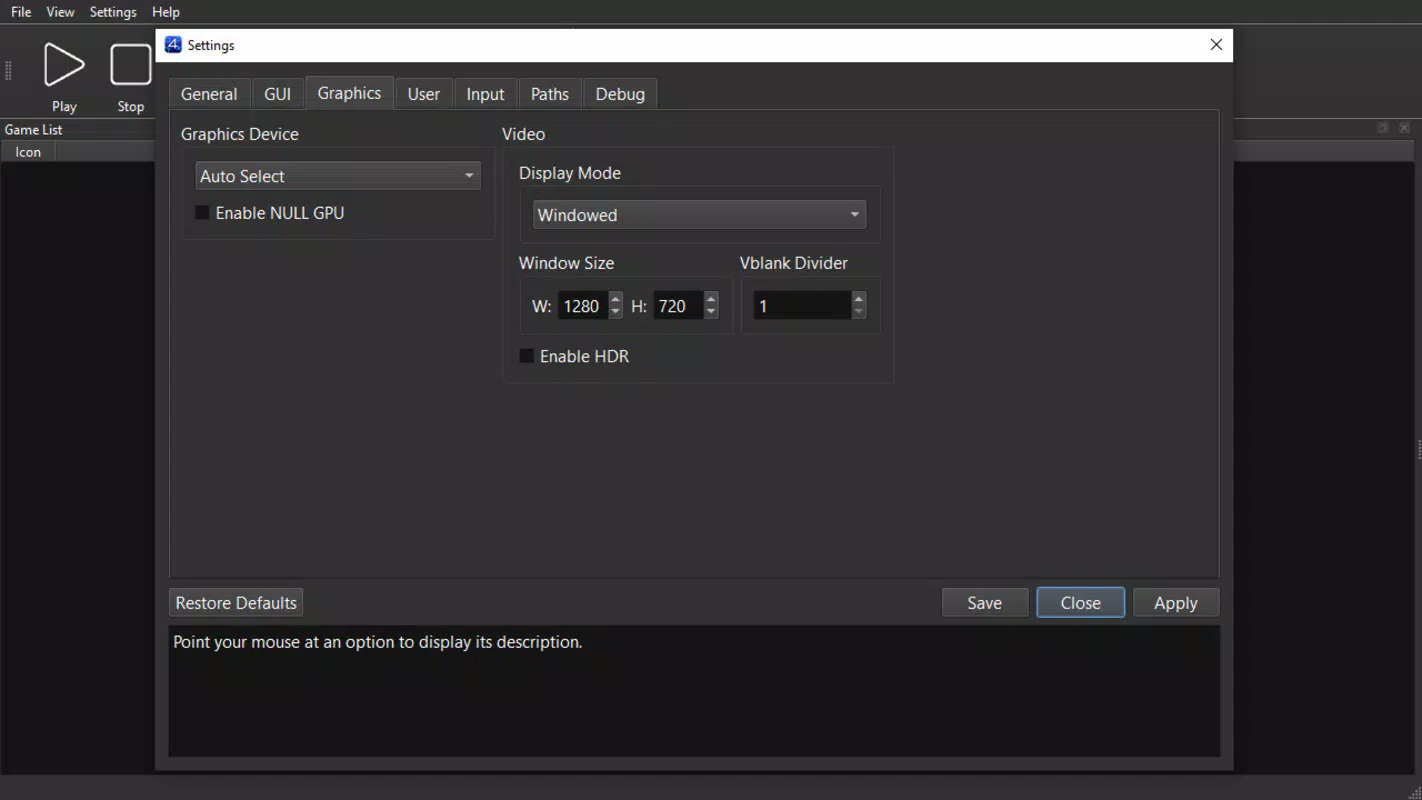
For example, a user with a Linux-based gaming rig can install ShadPs4Plus, load a PKG file of a favorite PS4 title, adjust resolution and shader settings via the Options menu, and begin playing—all without needing a physical PS4. Similarly, a Windows user can use the emulator to test homebrew applications, leveraging the same streamlined workflow.
Interface, UX & Performance
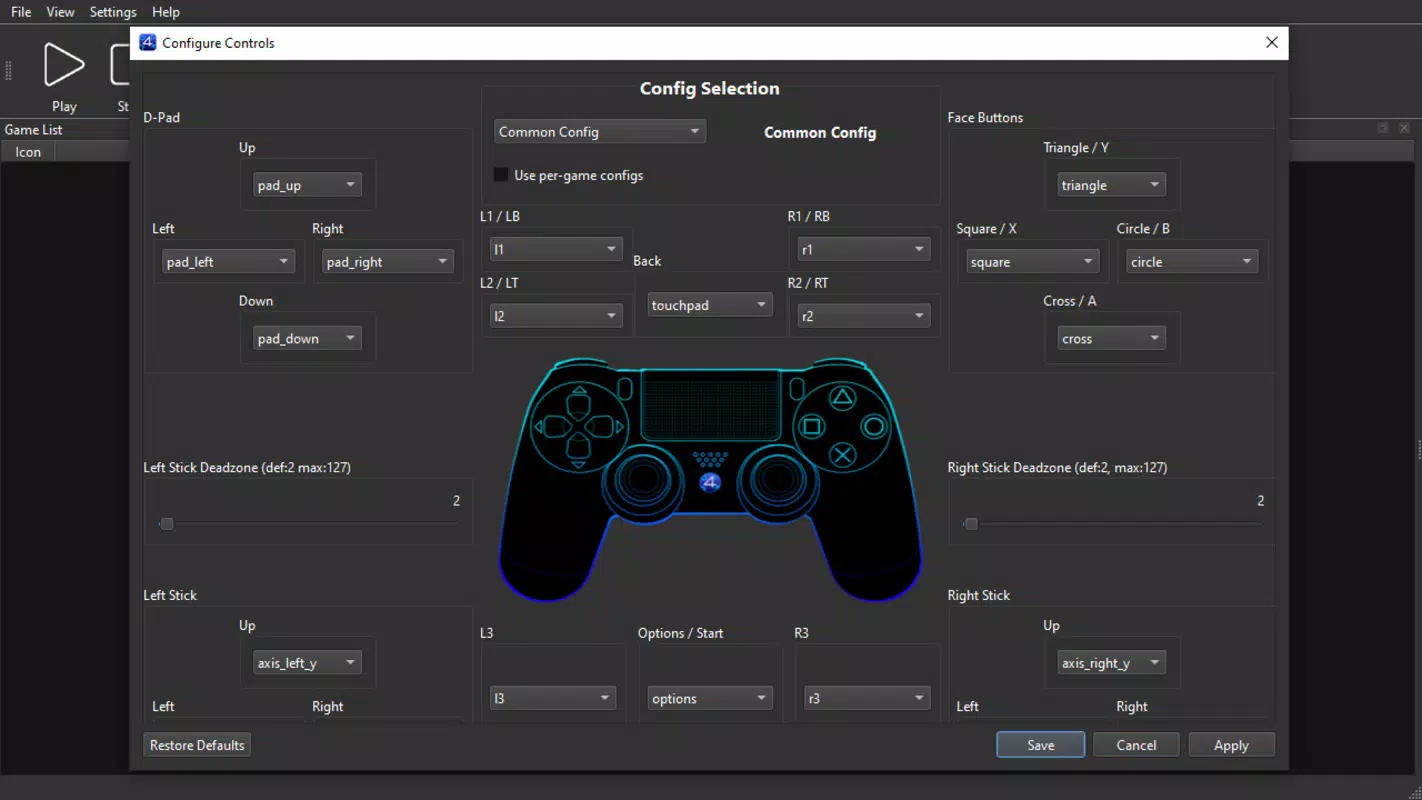
The user interface of ShadPs4Plus follows a clean, minimal design that prioritizes functionality over visual flair. Navigation is straightforward, with core settings accessible through a centralized Options menu. Users can adjust resolution, shaders, and controller configurations with intuitive sliders and dropdowns, reducing the learning curve for newcomers.
Despite the absence of detailed performance metrics, the emulator is reported to maintain stable operation across various hardware configurations. The developer did not specify minimum OS requirements or performance benchmarks. However, users are advised to install Visual Studio Community, which is essential for the emulator’s proper functionality, suggesting a dependency on development tools.
Responsiveness appears to be consistent during gameplay, with minimal lag reported in supported titles. Stability is maintained through regular compatibility updates, which are published on the official ShadPS4 website. Although the developer did not list formal performance metrics, the app’s design suggests optimization for both high-end and mid-tier systems.
Platform Compatibility & Technical Requirements
ShadPs4Plus is available for both Windows and Linux operating systems, offering broad accessibility across desktop environments. The app is distributed as a single executable package with a file size of 1.2 GB, which includes all necessary components for initial setup and operation.
The software version is 1.0.0, released on May 28, 2025. Specific requirements such as minimum CPU, GPU, or RAM specifications were not listed by the developer. The developer did not specify minimum OS requirements, nor did they provide details about required libraries or runtime dependencies beyond the mandatory installation of Visual Studio Community.
Compatibility information was not fully disclosed, but the app’s cross-platform nature indicates it is designed to run on modern desktop systems. Users should ensure their system meets the general demands of running a PS4 emulator, particularly in terms of processing power and graphics performance.
Pros and Cons
Pros
- Supports PKG file installation, enabling direct game loading from ROMs
- Offers compatibility with over twenty PS4 titles, including major releases
- Simple setup process with minimal technical barriers
- Available on both Windows and Linux platforms
- Regular compatibility updates provided by the development team
Cons
- Requires Visual Studio Community to be installed for full functionality
- Specific system requirements were not listed
- Performance may vary depending on hardware configuration
- Compatibility with newer PS4 titles may be limited
- Emulation quality may not match native console performance
FAQ
Is ShadPs4Plus free to download and use?
Yes, ShadPs4Plus is available at no cost. The app is distributed as a free tool for PC gaming and emulation purposes.
What operating systems does ShadPs4Plus support?
ShadPs4Plus is compatible with both Windows and Linux operating systems, offering cross-platform accessibility.
Do I need to install Visual Studio Community to use ShadPs4Plus?
Yes, the developer specifies that Visual Studio Community is essential for the emulator to function properly.
Can I play PS4 games from PKG files using this emulator?
Yes, one of the key features of ShadPs4Plus is full support for PKG files, allowing direct installation of PS4 games and homebrew software.
How often are compatibility updates released?
Compatibility updates are regularly provided on the official ShadPS4 website. Users are encouraged to check the site for the latest improvements.
Final Thoughts
ShadPs4Plus stands out as a significant advancement in PC-based PS4 emulation, combining the strengths of its predecessor with meaningful enhancements. Its support for PKG files, cross-platform availability, and growing compatibility list make it a compelling choice for gamers and developers alike. While it requires Visual Studio Community and lacks detailed system requirements, the app delivers a smooth and accessible experience for those willing to meet the setup conditions.
For users seeking to run PS4 games on their desktops without investing in original hardware, ShadPs4Plus offers a powerful, free solution. Whether you're a retro gaming enthusiast, a homebrew developer, or simply curious about emulation, this app provides a robust platform to explore PS4-era titles.
Download ShadPs4Plus now


